
Virtual Maintenance Engineer
Build a Virtual Maintenance Engineer for Root Cause Analysis (RCA)
We are big believers in learning by doing. So the only way to really understand what AI can do for maintenance/reliability is to try it yourself. And because getting started is often the hardest part, we're giving you a problem, data, a manual and a playground to give it a go. All you need is access to any chatbot (even free versions).
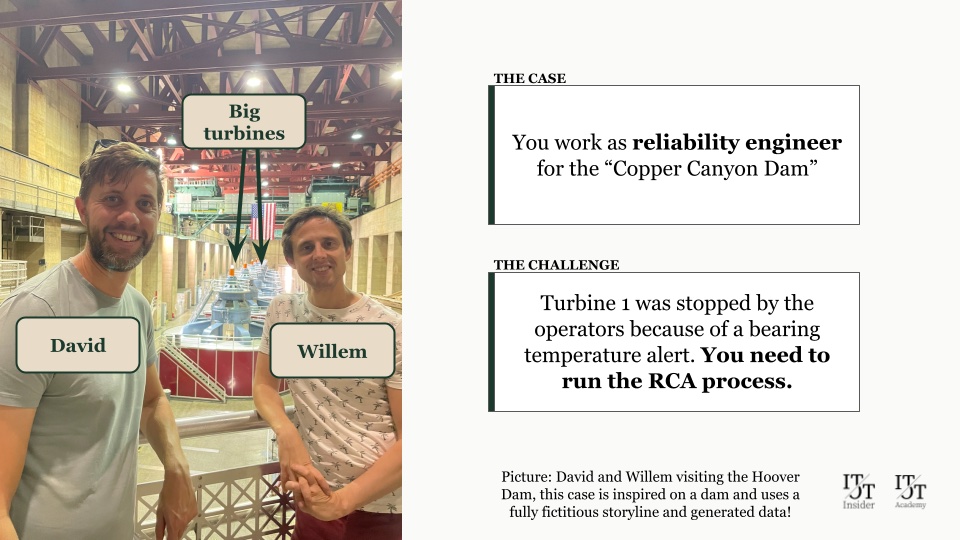
The case
Turbine 1 is down
Good morning! You are a reliability engineer and as you arrive at the Copper Canyon Dam you hear that Turbine 1 was shut down by operations.
A high temperature alarm on pad 3 of the turbine guide bearing went to high-high. The shift followed the shutdown procedure, but now it’s up to you to start the RCA to find out what happened so the unit can be turned back on as soon as possible.
The steps in your RCA process:
-
Timeline
Build a timeline of the relevant events across several data sources
-
Data Analysis
Combine and analyse all sorts of data: sensors, manuals, shift logs, lab results, previous RCAs and more
-
Hypothesis
List the possible causes that led to this incident
-
Validate
Test every hypothesis against the available evidence
-
Report
Summarise all your findings in a structured format
Doing RCAs is a bit like being Sherlock Holmes. Normally that means hours or days of digging through systems and binders. But not for you! You use your cool new RCA bot to speed up the entire process to the time it takes to get a coffee.
How does it work?
It starts with a prompt
"Start the RCA process for Turbine 1. CH PLC alarm TGB pad 3 high-high at 3 Nov 2026 09:00, unit unloaded and stopped by the shift per instruction OP-07."
A prompt like this is not enough. An LLM will always give you an answer. It’s up to you to ensure the answer is a good one, using these three elements:
1. Task
What
What you want the AI to do, and the role it should play.
Why
Tell the LLM the role, method and output you expect.
2. Data
What
The data the AI will work on: exports from the historian, shift logs, previous maintenance orders, manuals...
Why
Without data, no analysis.
3. Background Info
What
The situation behind the request: the asset, what happened, what has been tried.
Why
The same failure can have different causes depending on the operational context.
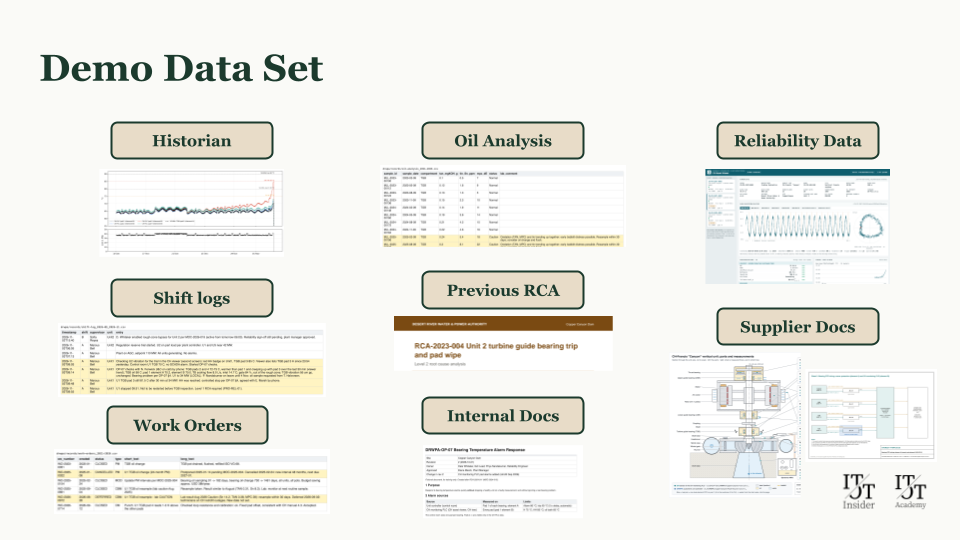
To get you started in just a couple of minutes (and show you the real power of AI), we have already created an Instruction and some Demo Data you can use.
Your playground
A fully working (simulated) dam
We’ve built a complete simulated environment, and you’re free to use it. A working dam with a SCADA, shift logs, work orders, manuals, operating instructions and much more. Everything a reliability engineer would need to dig into this incident.
Perfect starting point
Start with a simple chat
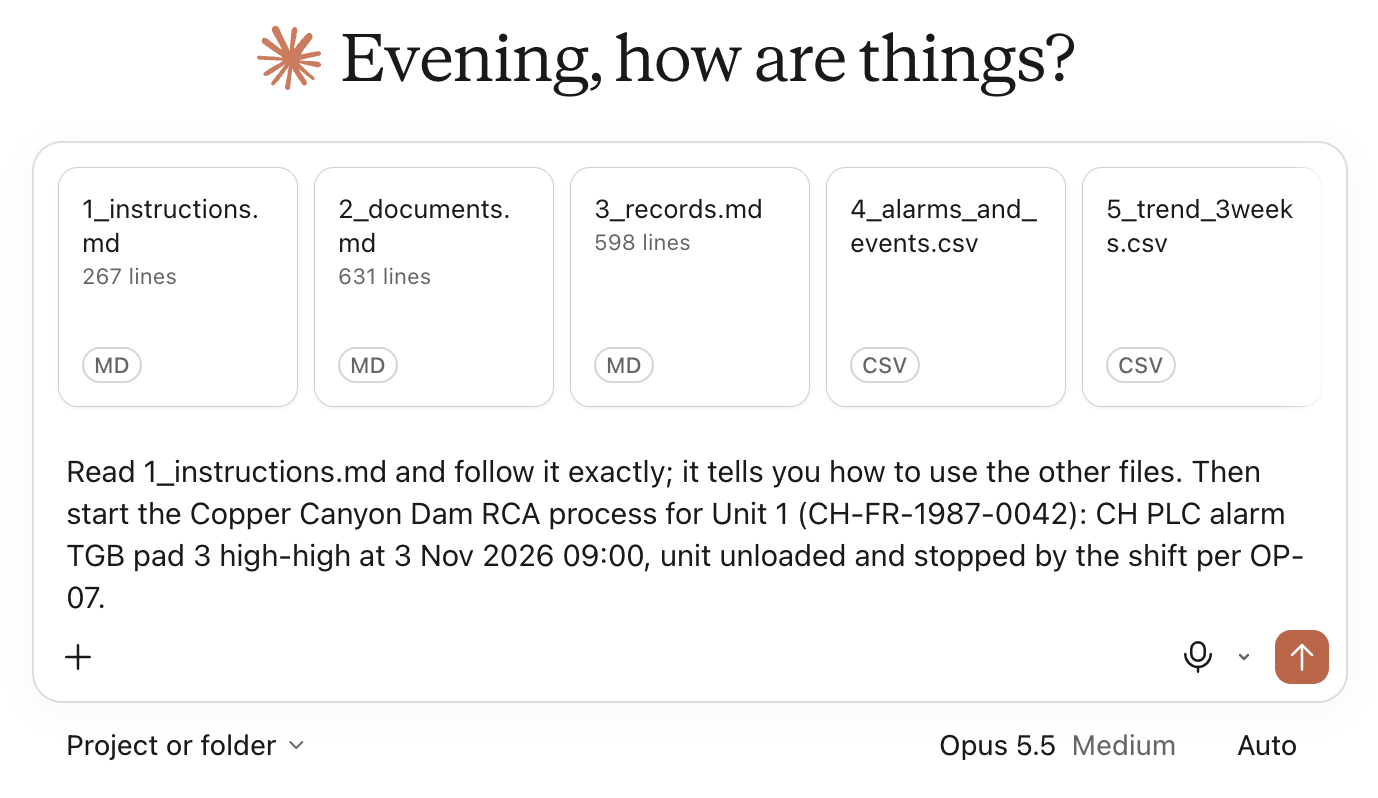
You have access to Claude, ChatGPT or Copilot, but you are not very familiar with AI. You want to run the RCA yourself and see what happens. This is a simplified version of our bot: you only need to upload some documents. No installation needed.
Download the starter pack (zip) →
Follow the instructions in README.pdf.
Next step
Run our actual bot
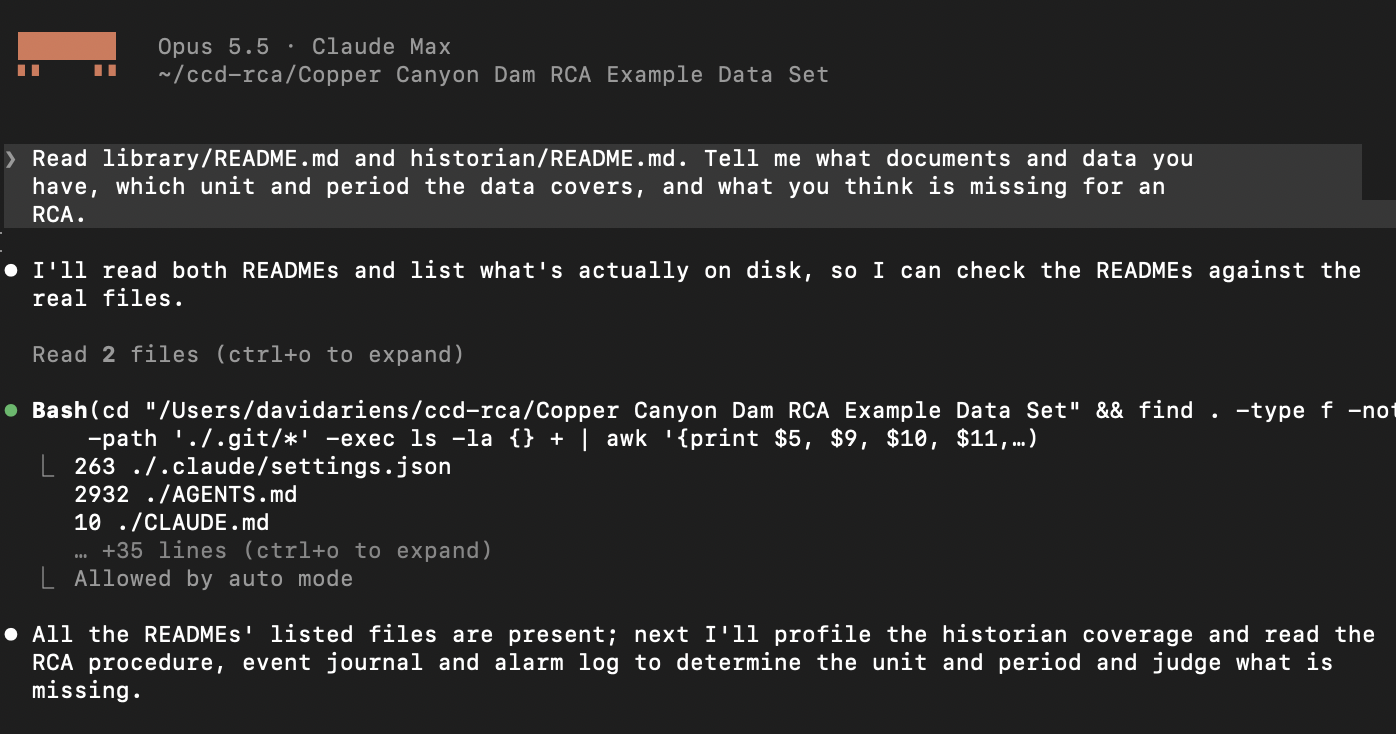
You want to run the real RCA bot on your own computer, using Claude Code or a similar agentic tool. We’ve prepared a dataset for you. This needs a bit more knowledge and has some dependencies, such as Python.
Download the RCA bot pack (zip) →
Follow the instructions in README.pdf.
Advanced
Geek out with us
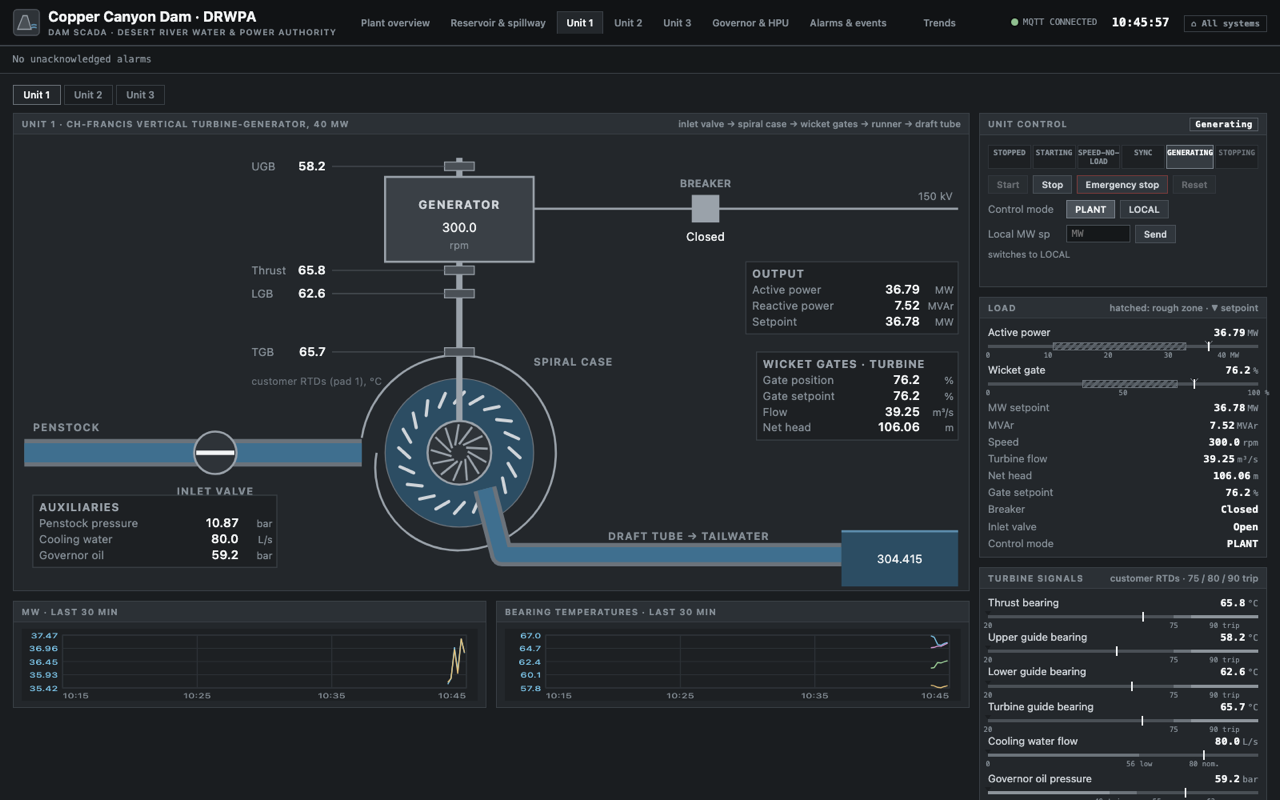
You’re comfortable with GitHub, Claude Code and Docker, and you want the entire environment: the dam, the SCADA, the data, the bot. The full manual is on the wiki of our GitHub.
Feel free to suggest improvements!
Article · Video
What is Claude for Manufacturing? (And how to try it yourself)
We ran Anthropic’s RCA skill and our own skill on this dam, with the same prompt and the same data. Here is what we found, and how to compare them yourself.
⚠️ A word of caution: this is a fictitious dam, so play as much as you like. When you move on to your own plant data, use the AI tools your company provides and allows. Don’t paste company data into public services.
What can I do? (like, tomorrow)
Running the demo is the easy part
Making it work in your organisation is the real challenge. Buying a Claude or Copilot subscription is not enough: there are technical barriers (data availability, quality and context) and organisational ones (skills, compliance and, above all, cooperation). So here’s how we’d approach it:
Do now
1. Experiment
- Use our prompts as starting point.
- Use your data with your company GPT (if allowed)
- and learn where AI shines and where it fails.
Explore
2. Organize
- Work and learn together as a maintenance community, not as isolated individuals
- Build central, chat-based solutions that everyone can use: an RCA bot, a 5-Why bot, a training bot…
- And remember: IT won’t make your business case. That’s on you.
Do next
3. Cooperate
- Get to know your IT, Data and AI teams, and invite them to the shop floor
- Start a cross-functional initiative with IT/AI and build a common roadmap
- Scale your solutions by leveraging data platforms and Enterprise AI tools
Do it yourself
“We’ll do it ourselves!”
Great, we love that. Here’s where to get a kickstart:
- Our free articles and videos: itotinsider.com
- Our IT/OT Handbook: itotbook.com
- Our IT/OT Academy: itot.academy (next cohort in January)
★ Focused guidance
The Maintenance AI Kickstart Package
- Assessment: where you are vs. your peers
- On-site workshop: inspire your team and map your gaps
- A roadmap: you can take to management, including how to get IT on board
€9,490 · fixed price (travel costs excluded)
When it comes to AI, starting today is always the better option. So go on, download the pack and get that turbine back online.
The slides
Get our full presentation
As delivered to the Belgian Maintenance Association (BEMAS) on Nov 10.